
As it turns out, Microsoft’s experiment with a Surface with 8GB of RAM probably wasn’t an experiment after all. Microsoft’s Windows chief said Friday that PCs with 8GB of RAM will be a focus going forward.
In fact, Pavan Davuluri, Microsoft’s head of Windows + Devices, said that the company would be investing in several areas, including voice, family, and improving the so-called out-of-the-box experience within Windows, which involves setting up a new PC. In addition, Microsoft will be concentrating on “Memory optimization for 8GB [PCs] and above.”
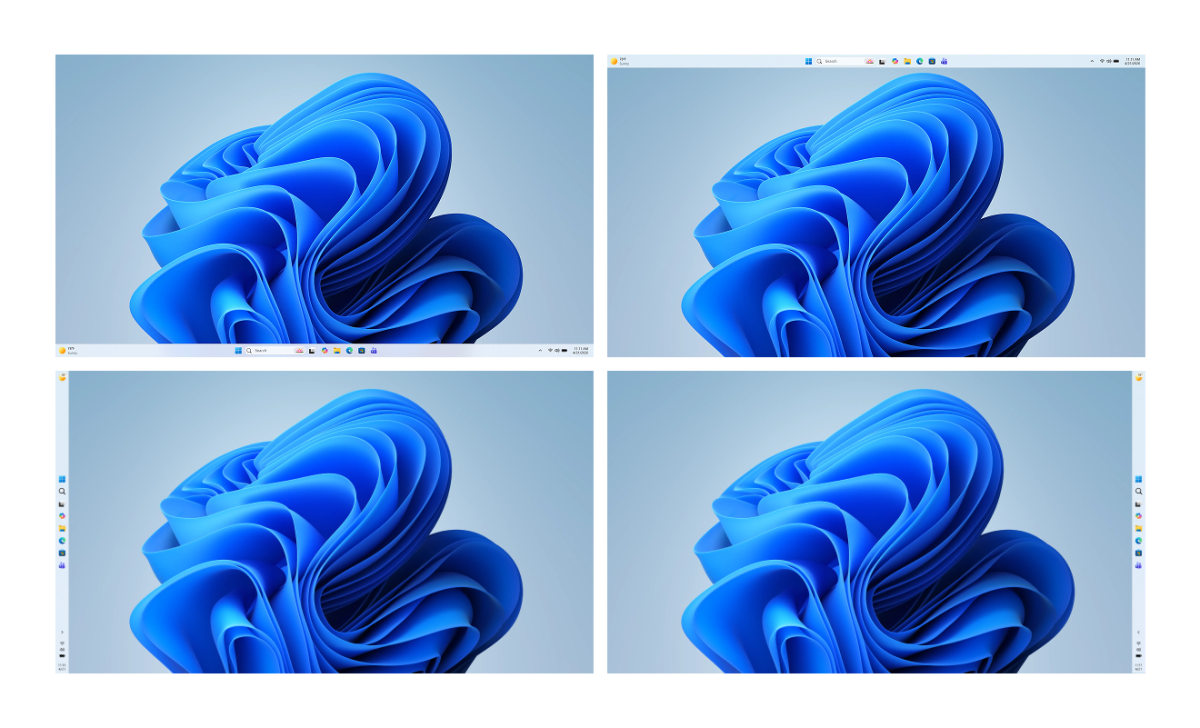
In March, Microsoft and Davuluri committed to major improvements within Windows, improving speed, stability, and control; redoing the Start menu and the Taskbar to include more flexibility; and giving users more control over Windows updates. Microsoft also promised to scale back Copilot, which it did by reducing the ubiquity of Copilot in Microsoft’s native apps. Since then, Microsoft has made changes to the Windows Insider program, previewed changes to the Taskbar and Start menu, quieted the Windows widgets, and made changes to File Explorer as well.
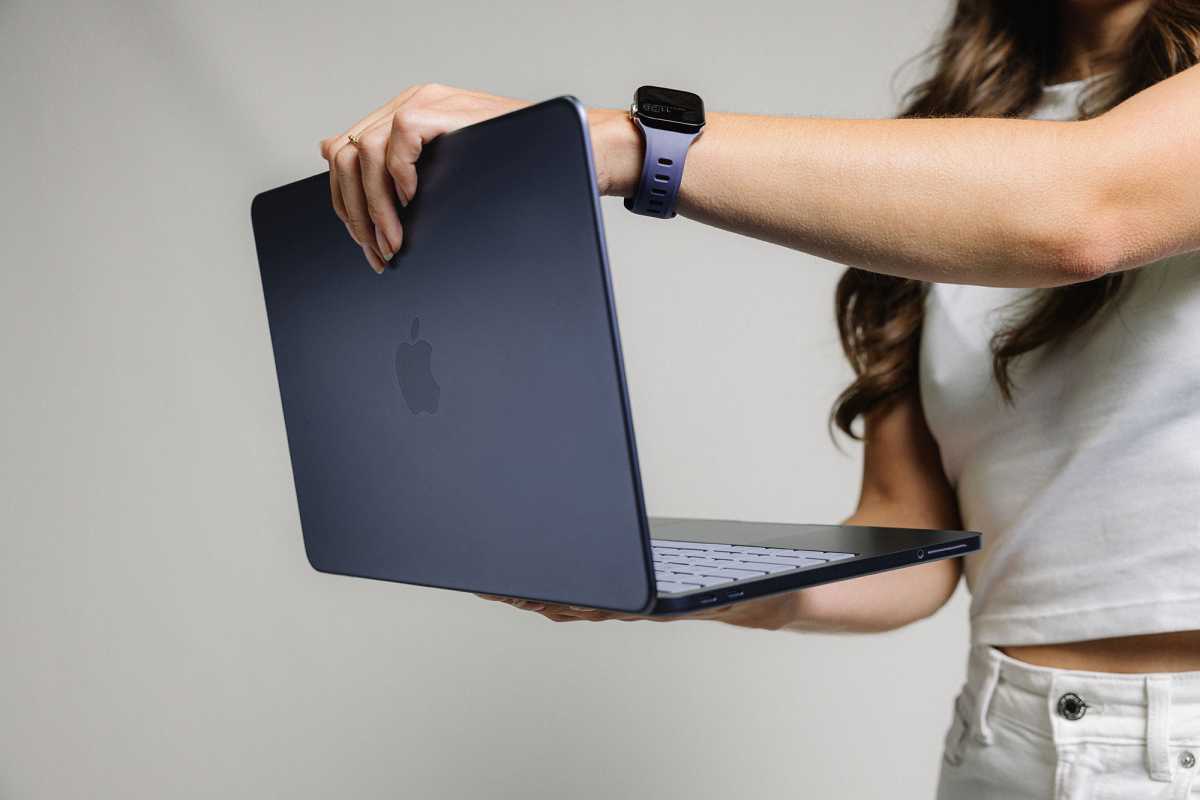
Streamlining Windows’ memory consumption has bubbled up to become a key priority, especially as rivals like Apple have launched optimized Macs (aka the MacBook Neo) with 8GB of RAM that showed off Apple’s tight integration between its operating system and its internally designed silicon. The Windows world has been able to respond with 8GB versions of the Surface Laptop and other PCs, but historically the limitations that has placed on performance and tab management has made a PC with 8GB of RAM a liability, rather than a positive.
Nomad
Microsoft hopes to change all that. For one, there’s there’s the WinUI 3 framework which governs many of the elements within Windows. Chris Anderson, a developer on Microsoft’s WinUI team, recently identified WinUI 3 as a key area for development, which Davuluri echoed.
“We’ve steadily been introducing several improvements to the memory efficiency of Windows, from taking advantage of a more efficient memory allocator to reduce overhead across apps and components, continued tuning of WinUI 3 so that apps built on it use less memory by design, as well as driving efficiencies across Chromium and Webview2 components when they appear in the operating system,” Davuluri wrote on a post on X.
The focus for the the end of the year
According to Davuluri, that process will continue through the end of 2026. “We’re going to take everything we’ve learned since March and keep listening and closing the loop on your feedback,” he wrote. “The signal from you is clear: keep going. We intend to.”
Microsoft
In his own words, here’s what Davuluri identified as the priorities for Windows through the end of the year.
- “Onboarding and setup. Delivering a faster and more efficient out-of-box experience.
- Memory optimization for 8GB and above. Reducing Windows memory footprint to deliver a fast and responsive Windows experience across the PCs customers use every day.
- Family. Providing a faster set up and making it easier for families to access useful parental controls.
- Voice. Making voice more natural and fluid to interact across the apps you use every day.”
To date, Microsoft’s hardware requirements for Windows 11 specify just four gigabytes of RAM, not eight. Still, virtually everyone who has owned a low-end PC knows that even eight gigabytes is pushing it. What Microsoft hasn’t publicly specified are the Key Performance Indicators, or performance metrics, for determining the acceptable performance and responsiveness of a low-end PC.
Otherwise, experienced Windows users know that there’s room for improvement in other areas, as well. Microsoft’s OOBE process is enormously complex, with user interactions required from inputting a Microsoft account to asking whether the user wants to restore from an established backup, Establishing boundaries for screen time within Microsoft’s family environment are actually effective, though that process might be better communicated to both parent and child, especially as the usage limits approach.
I’m intrigued, too, by what Microsoft intends to do with voice interaction. I still don’t see users latching on for privacy reasons and performance anxiety — and that’s before rivals like Anthropic’s Claude demonstrate that a keyboard still remains a critical element in interacting with AI.
I still agree, though, that Microsoft’s Windows Insider meetups remain exceptionally valuable chances to hear from and provide feedback to Microsoft engineers and product managers. If you’re reading anything here that you particularly agree (or disagree) with, start keeping an eye out for future Windows Insider meetups.
Powered by WPeMatico